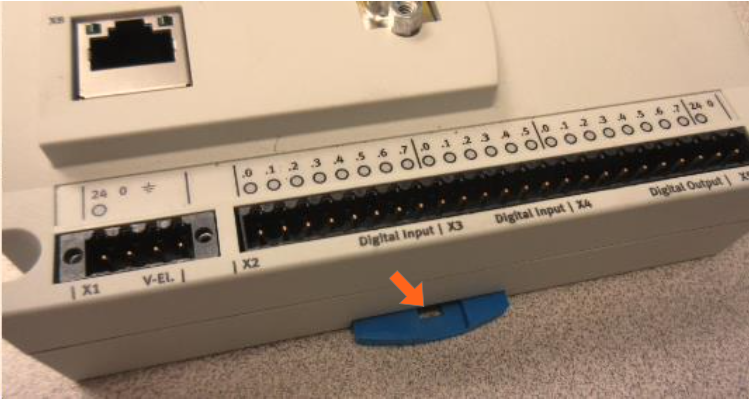
Replace the PLC (part number H10732)
Location of the PLC
You can use the height pedal to lower the table so that you can see these components through the gap in the skirting at the foot end of the table. You can get easier access to the components by removing the screw that holds the plastic to the top frame as you face the foot end and also the screw that holds the inner section to the base at the foot end.
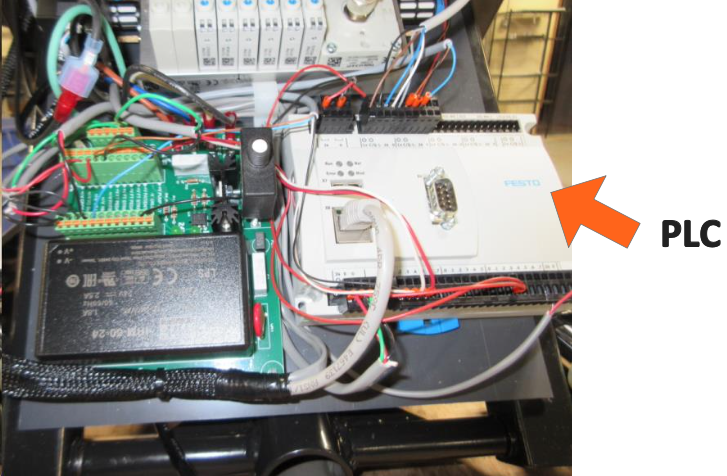
Make sure the table is unplugged while disconnecting and connecting wires.
Take a photo of the PLC with connectors attached to reference when reconnecting wires to the new PLC.
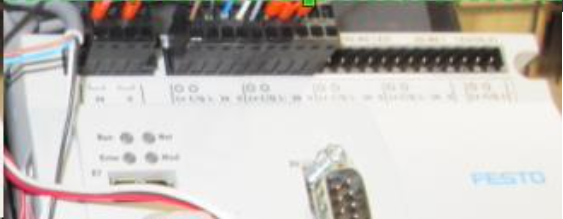
Each black connector can be grasped and pulled straight up from the board and inserted at the same location of the new PLC. One exception is the power connector, which is secured by a small screw on each side. You can use a flat blade screwdriver to loosen the screws and pull it up.
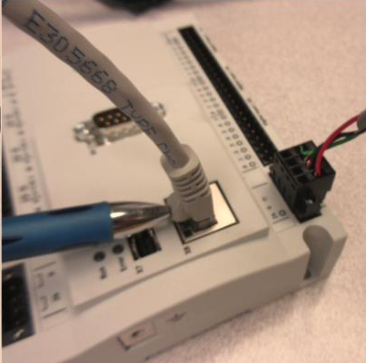
The communication cable is disconnected by hand similarly to a phone cable, by pressing the tab with your thumb (indicated by the pen in the photo below).
The PLC is released from a din rail on the plastic mount board by inserting a screwdriver in the blue tab at the bottom edge of the PLC and sliding the blue tab down and away from the PLC. You should be able to lift the PLC straight up.
Pulling the blue tab down when installing the new PLC on the rail will make the task a little easier.